Everyday fix · Mar 19, 2026
Heat discomfort while using your laptop
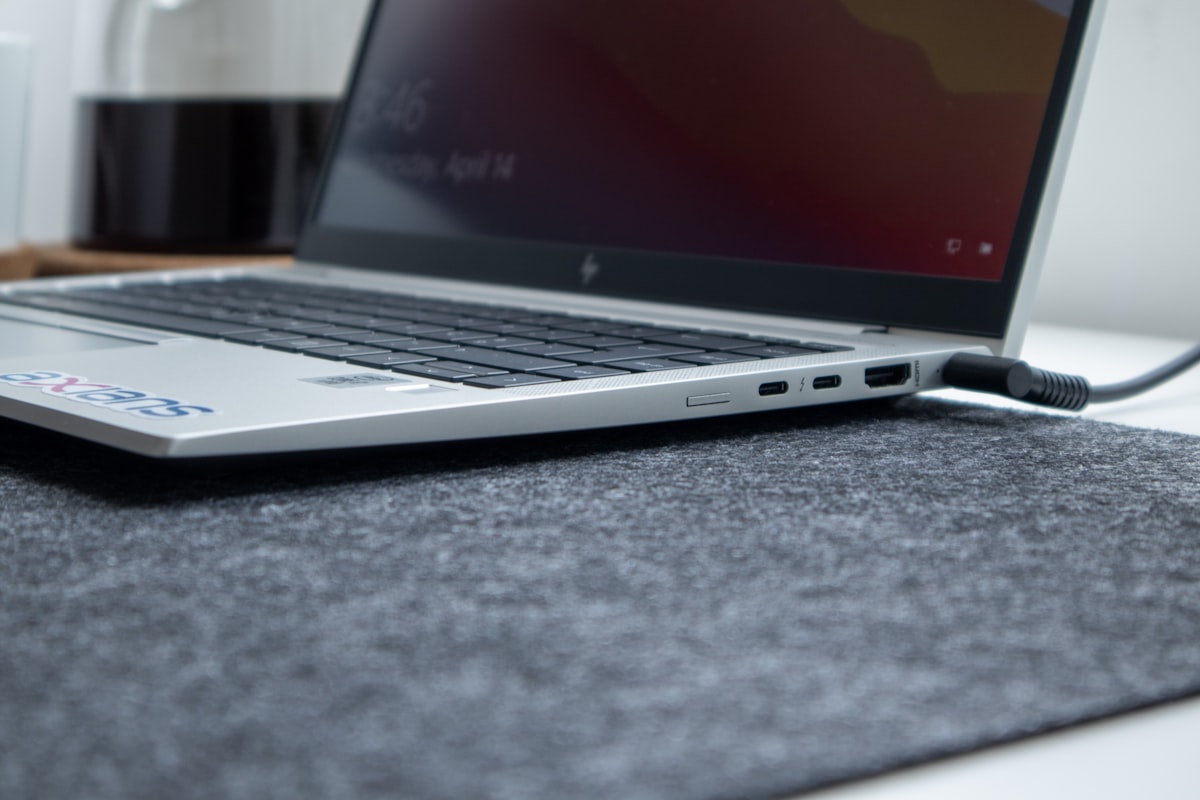
If working on your laptop leaves your legs and lap feeling like a furnace, this stack delivers the cooling relief you need without a major workspace overhaul.
This site is part of Amazon's affiliate program. When you buy something after clicking one of our links, we may earn a fee from Amazon. Your price stays the same. We only link to products we'd use ourselves and that we think are worth your time.
If any of these are true…
- Your laptop gets uncomfortably hot during use.
- Sitting with your laptop on your lap is unbearable after a while.
- You avoid using your laptop in bed or on the couch due to heat concerns.
- You have to take frequent breaks to let your laptop cool down.
What's going on
Laptops generate significant heat during operation, especially during extensive tasks like gaming or video editing. Insufficient airflow and direct contact with soft surfaces trap heat, leading to discomfort for users. Without proper cooling solutions, this heat can affect both the laptop's performance and your comfort.
The Fix Stack (3 items)
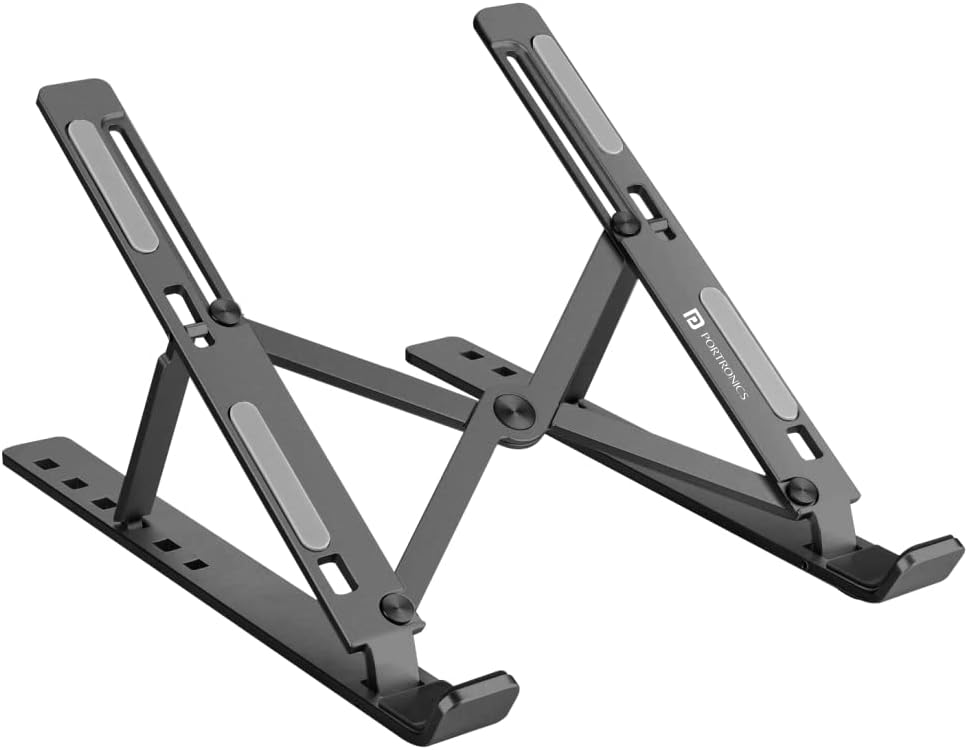
Portronics My Buddy K Portable Laptop Stand
What it solves
Raises your laptop to improve airflow underneath, reducing heat concentration.
Why it's in the stack
This lightweight stand allows you to adjust the height and angle for better ergonomics, promoting airflow while also maintaining your comfort and posture.
Use it like this
Set up the stand at a comfortable height, then place your laptop on top for improved cooling and reduced strain on your body.

Targus 17 Inch Dual Fan Lap Chill Mat
What it solves
Provides an additional layer of cooling, keeping both your laptop and legs comfortable during extended use.
Why it's in the stack
With dual USB-powered fans, this mat helps dissipate heat effectively, making it suitable for prolonged laptop sessions without discomfort.
Use it like this
Connect the chill mat to your laptop using a USB port and place it in your lap before using your laptop for optimal cooling.
Targus PA244U LapDesk
What it solves
Offers a firm and stable surface for laptop use, preventing heat from transferring directly to your legs.
Why it's in the stack
This lap desk provides a buffer against heat while also enabling a stable platform for your laptop, enhancing overall comfort during use.
Use it like this
Place the lap desk on your legs, then position your laptop on top. This setup allows for airflow and keeps heat away from your body.
Avoid these mistakes
- Using the lap desk on soft surfaces like blankets, which can block airflow to the laptop.
- Forgetting to adjust the laptop stand to the right height, causing more strain than necessary.
- Neglecting to check for adequate fan power and airflow from the cooling pad before use.
- Skipping regular breaks, as prolonged exposure to heat can still affect comfort over time.