Everyday fix · Feb 19, 2026
The charger that keeps diving off the desk
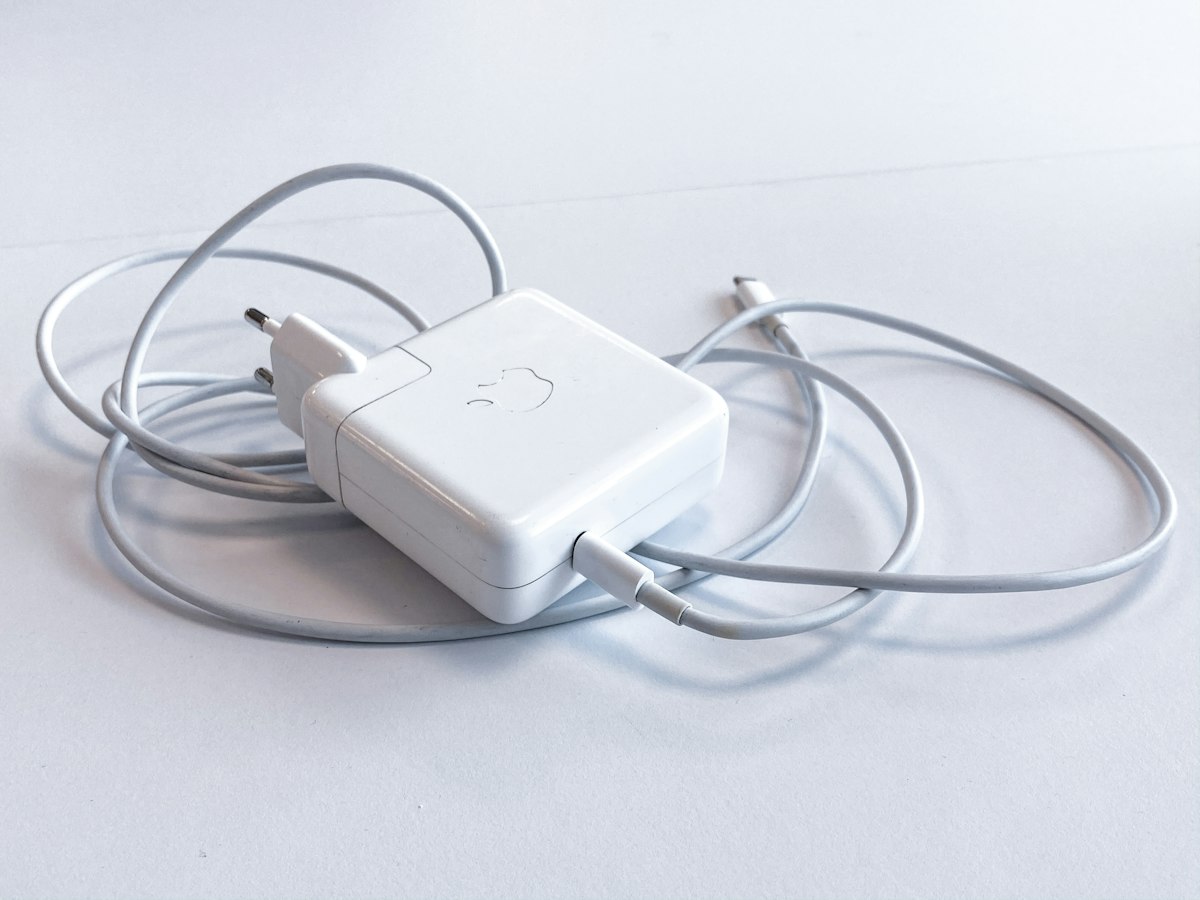
If your laptop charger keeps swan-diving off the edge of the desk, taking everything with it, this stack pins it in place without turning your workspace into a cable farm.
This site is part of Amazon's affiliate program. When you buy something after clicking one of our links, we may earn a fee from Amazon. Your price stays the same. We only link to products we'd use ourselves and that we think are worth your time.
If any of these are true…
- Your charger brick regularly ends up on the floor.
- You fish the cable up from behind the desk at least once a day.
- Unplugging the laptop tugs other gear out of position.
- You hesitate to move your laptop because the cable situation is fragile.
What's going on
Gravity and slick desk surfaces are doing their job a little too well. Most stock power bricks are heavy, smooth, and shaped like they were designed to fall. When the cable gets tugged, the brick follows, and anything resting on top of it goes too. On top of that, most desks don't offer natural anchor points, so the charger simply slides toward the edge until it runs out of desk.
The Fix Stack (3 items)

Low-profile adhesive cable clips
What it solves
Keeps the charger cable entering and leaving the desk in a predictable spot instead of drifting toward the edge.
Why it's in the stack
A simple anchor point near the back of the desk stops most accidental tugs from ever reaching the brick. The clip also keeps the cable pointed in a straight line so it doesn't twist itself off the surface over time.
Use it like this
Attach one or two clips to the back edge or underside of your desk, run the charger cable through, and leave just enough slack on top for normal laptop movement.

CordBrick weighted cable holder for the desktop
What it solves
Stops the cable end from sliding off the front edge every time you unplug the laptop.
Why it's in the stack
The brick may be heavy, but the plug end is light and eager to vanish. A small weighted holder keeps the connector waiting exactly where you expect it, so you never go hunting for it on the floor.
Use it like this
Place the weighted holder near the side you usually plug in on, drop the cable into one of the channels, and leave it there whenever the laptop isn't connected.

FireBee felt desk mat
What it solves
Gives the charger brick a non-slip landing pad so it stays put instead of skating across bare wood.
Why it's in the stack
A soft, slightly grippy mat under your laptop and charger absorbs small tugs and vibration. It also visually marks the "charger lives here" zone, so you stop absentmindedly nudging it toward the cliff.
Use it like this
Lay the mat where your laptop lives, then park the charger brick on the back corner. Run the cable under or alongside the laptop so the brick has slack but doesn't reach the edge.
Avoid these mistakes
- Sticking clips where your knees or chair regularly hit them; they'll pop off and take the cable with them.
- Leaving huge loops of slack cable on top of the desk, which invite tangles and snags.
- Parking the brick right at the edge of the desk instead of on a mat or further back.
- Mixing this stack with a giant under-desk cable tray on day one; keep the fix simple first.